


USB-C to HDMI Female Multiport Adapter With PD Pass-through 60w 4k USB-A


| Introduction | |
|---|---|
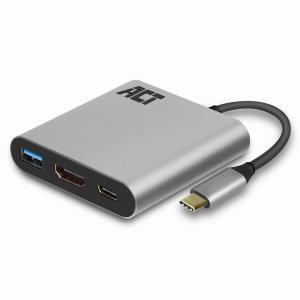
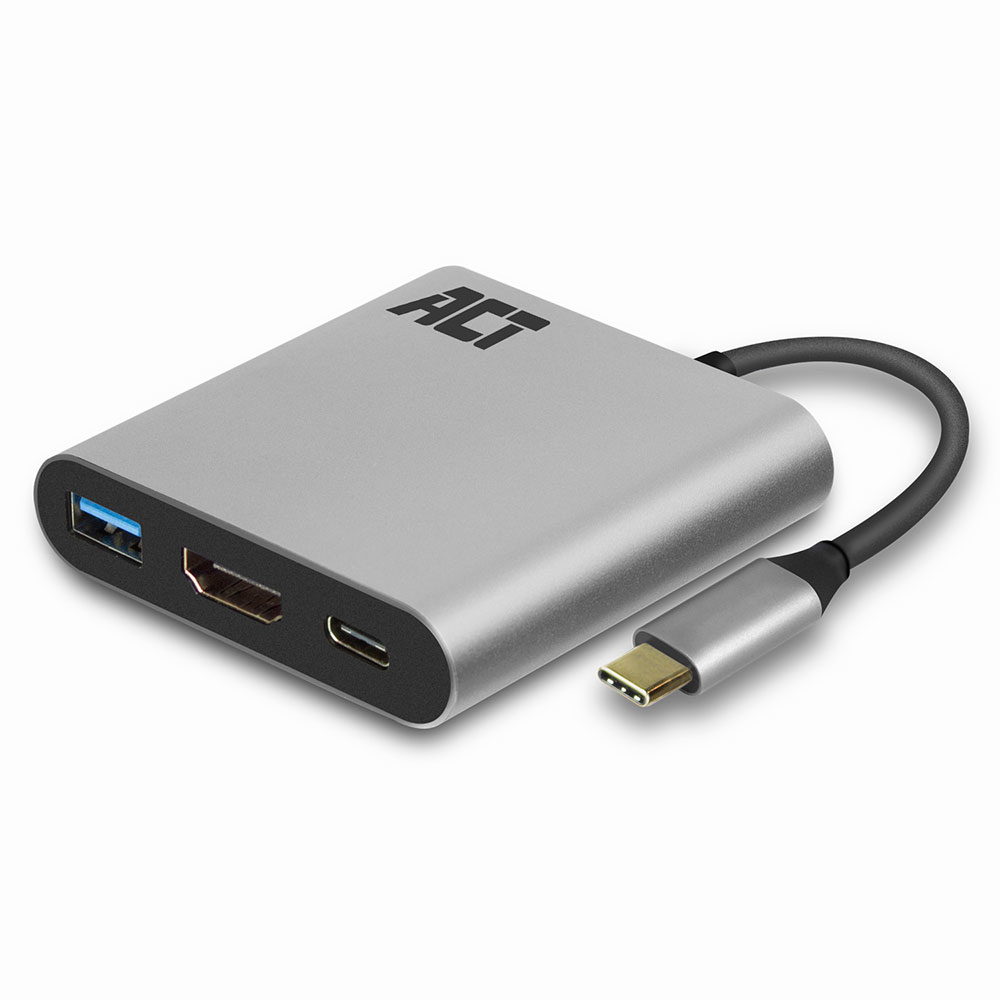
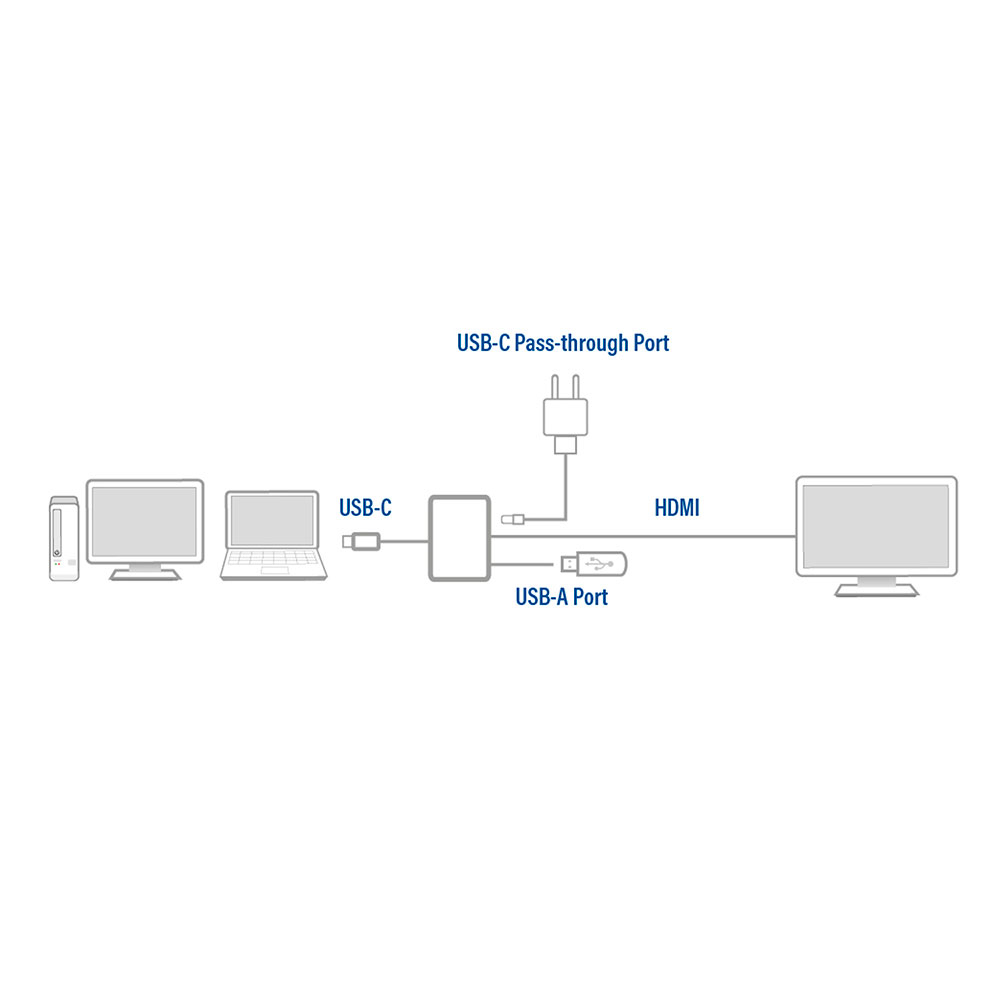
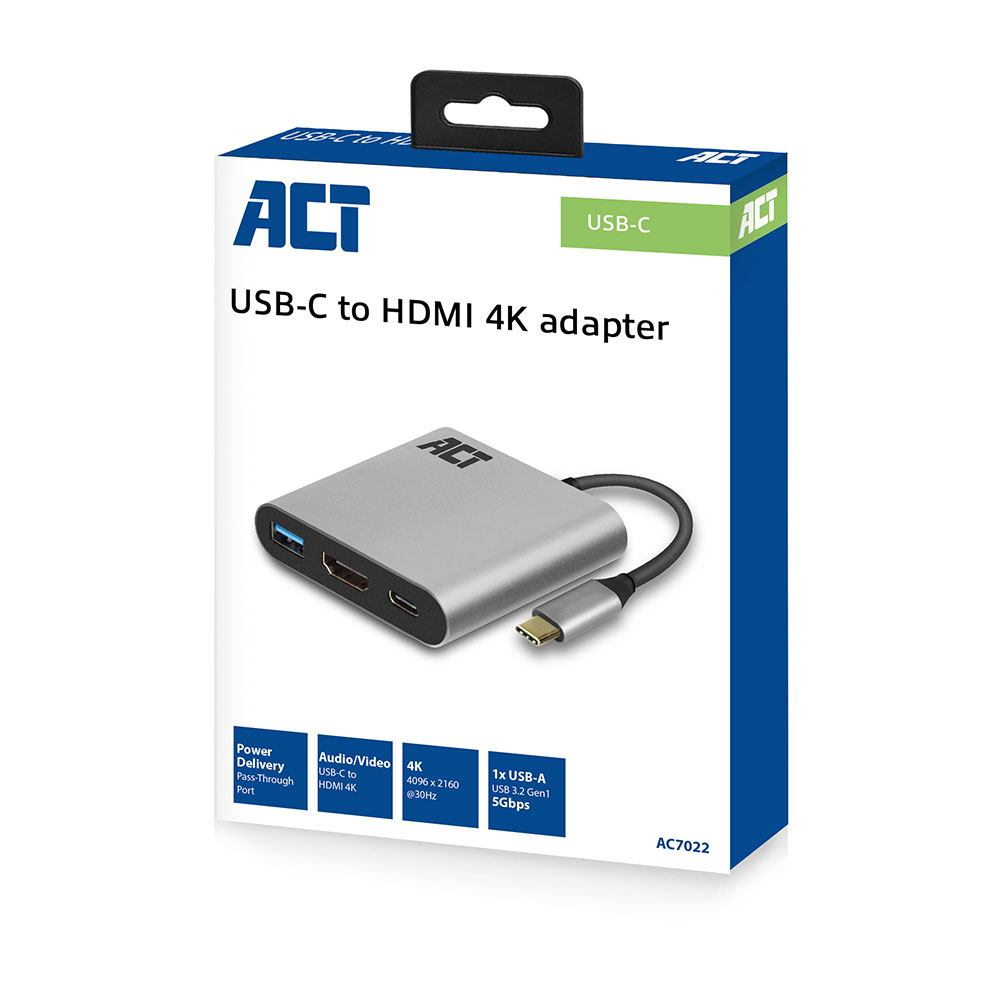
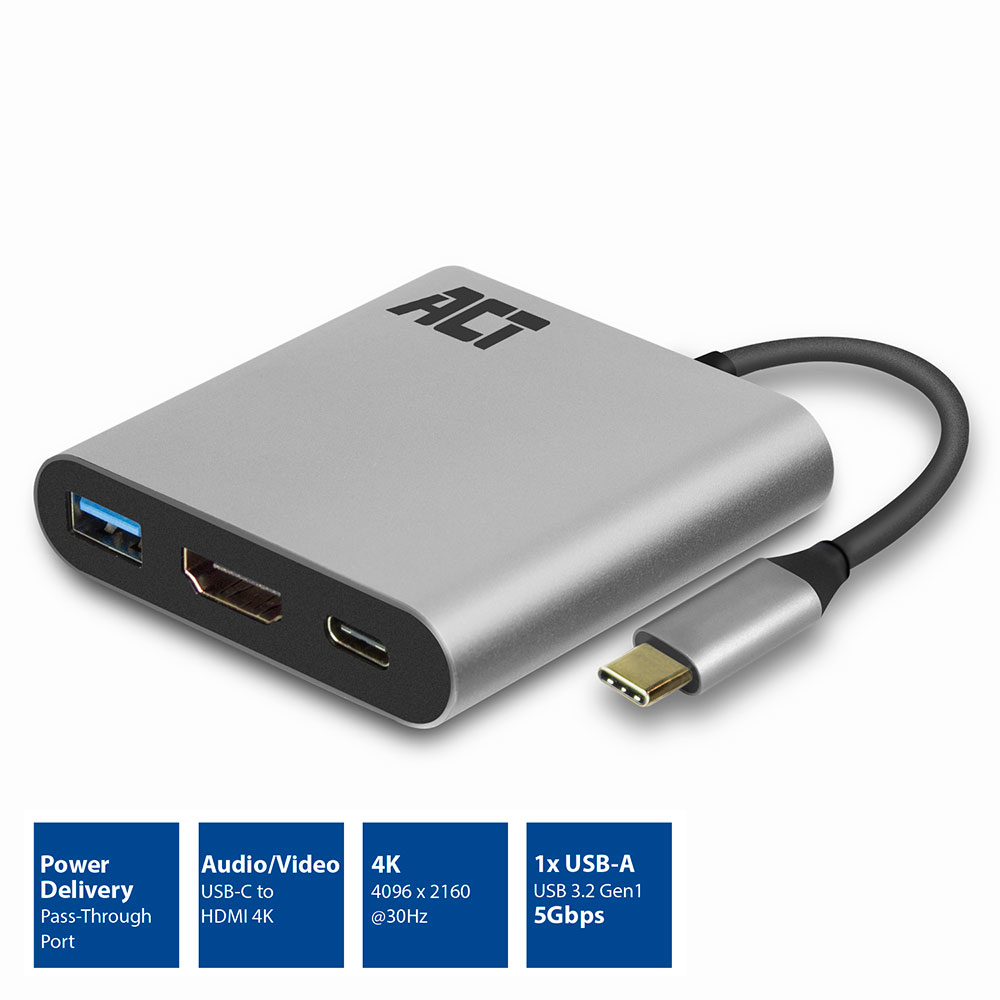
| Use the USB-C 3.2 Gen1 to HDMI 4K adapter to connect a HMDI screen or beamer to a notebook. The adapter supports a maximum resolution of 4096 x 2160 (4K) @ 30Hz. The AC7022 has a Power Delivery Pass-Through port (max. 60W) and an additional USB-A port. Connect a notebook with USB-C to a monitor or beamer with HDMI Connect a source device with USB-C to a monitor or beamer with HDMI by using the USB-C 3.2 Gen1 to HDMI adapter. The USB-C port of the source device must support DP Alt Mode. The USB-C to HDMI Adapter supports the maximum resolution of 4096 x 2160 (4K) @ 30Hz. The AC7022 has an additional USB-A data port. USB-C Power Delivery Pass-Through port 60W The USB-C Pass-Through port supports power delivery 60W. The notebook is always charged with the right amount of power thanks to the pre-defined Power Delivery profiles. The charger communicates with the notebook to negotiate the most effective charging profile. |
No options for this product
Every effort has been made to ensure the accuracy of all information contained herein. e-nitiative shall not be liable for any changes resulting in wrong product description, tax code and/or price. The shown information (specifications, prices, taxes) should be considered as an indication and can be changed at any moment and without any prior notice.
Call us Now: 111
 © 2026