


USB-c Or USB-a Dual Monitor Docking Station


| Introduction | |
|---|---|
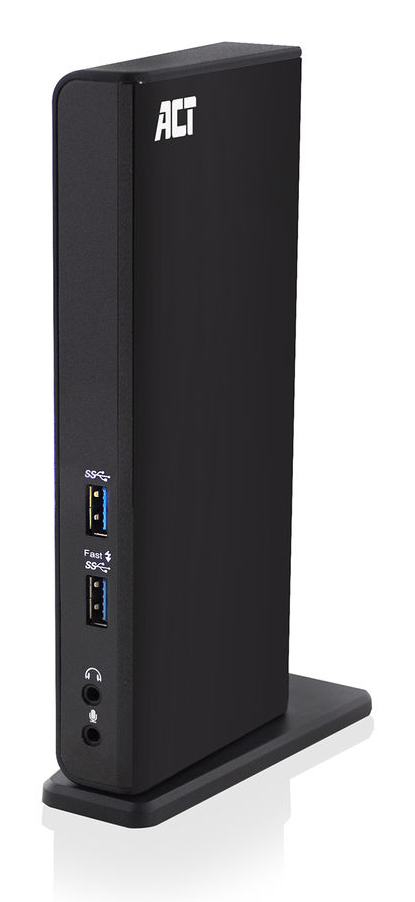
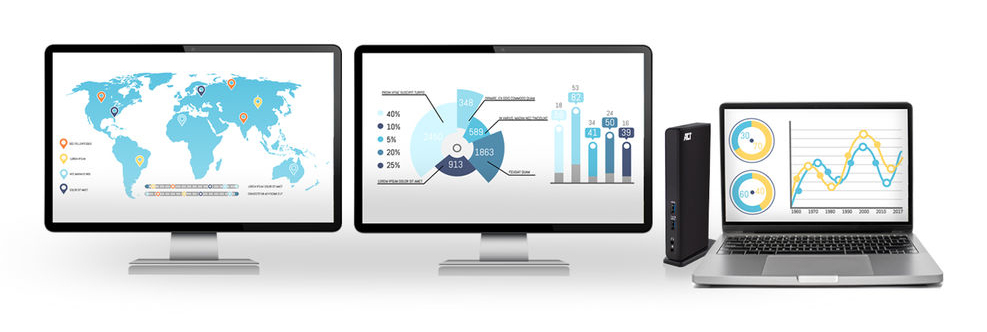
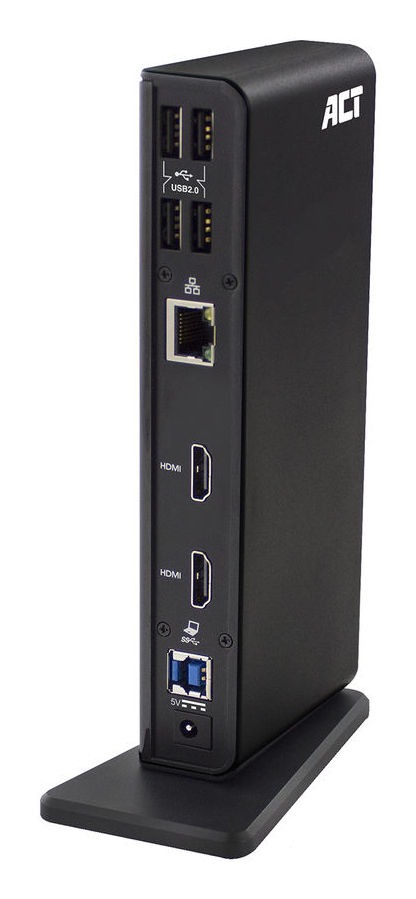
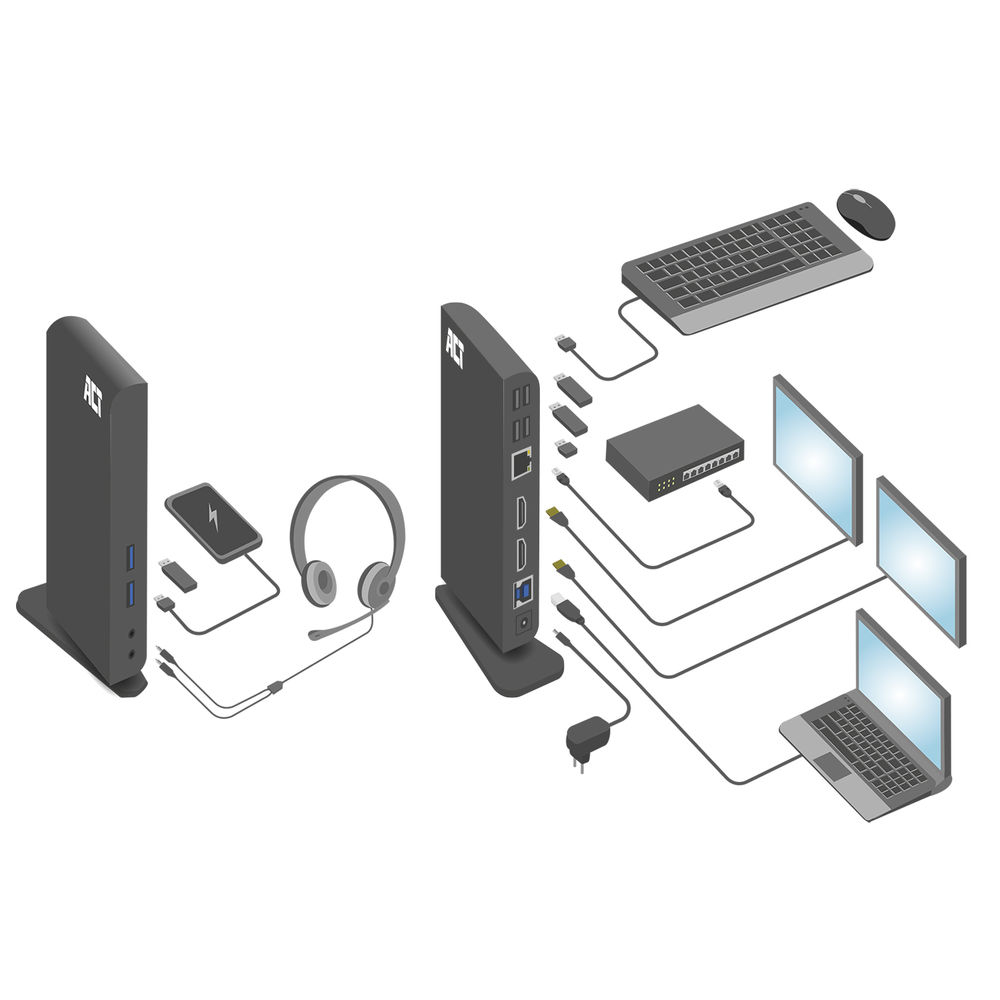
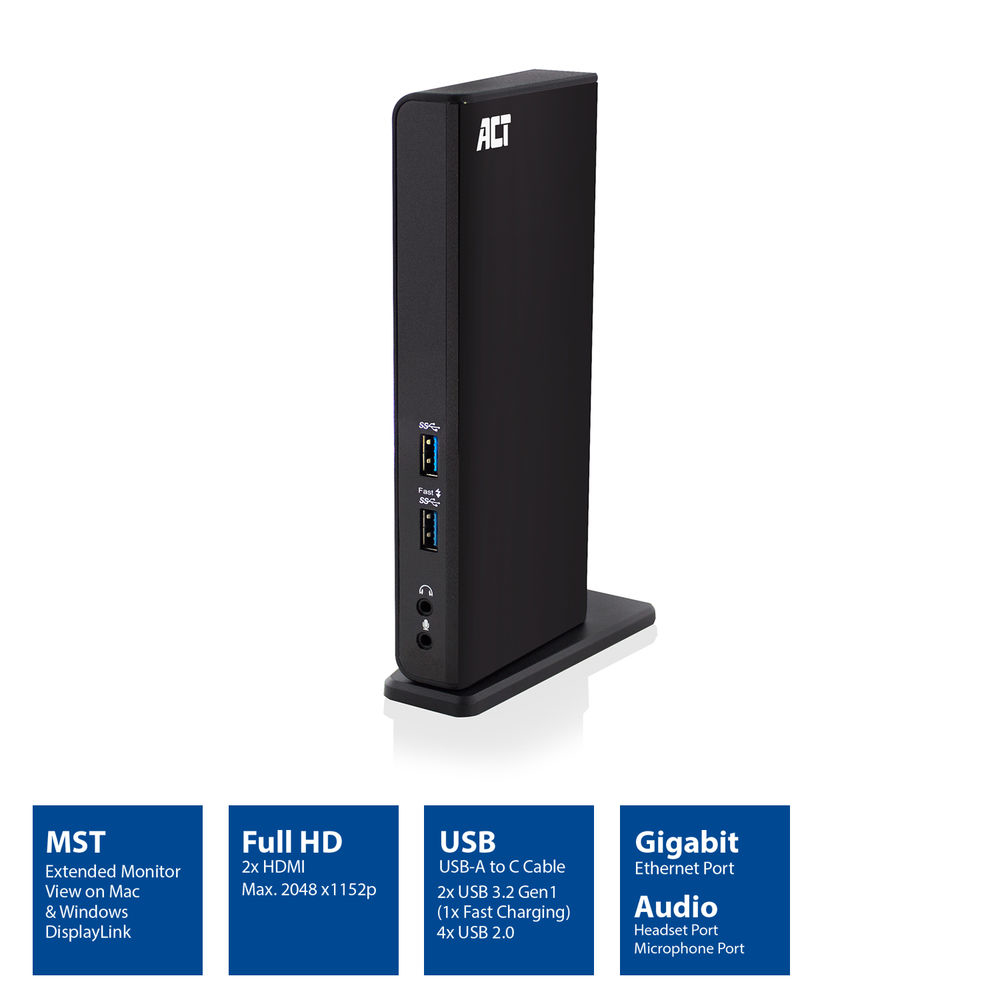
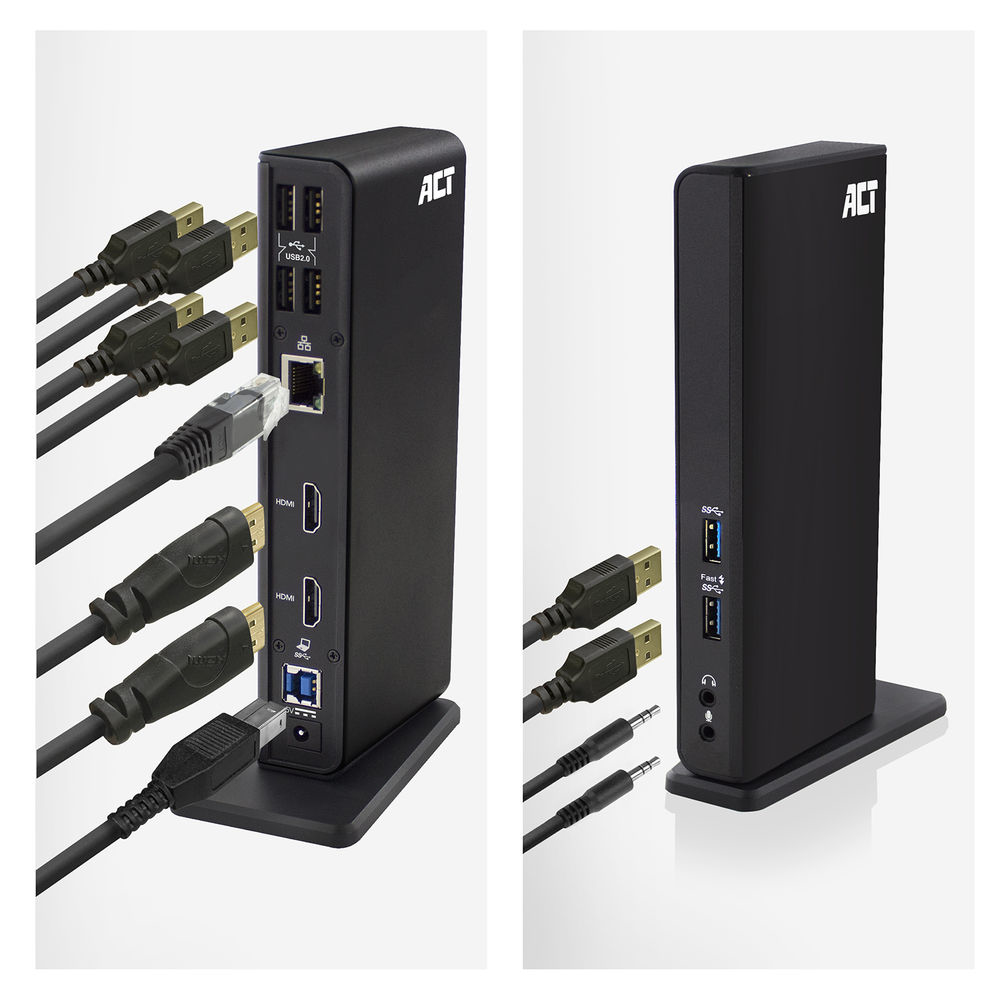
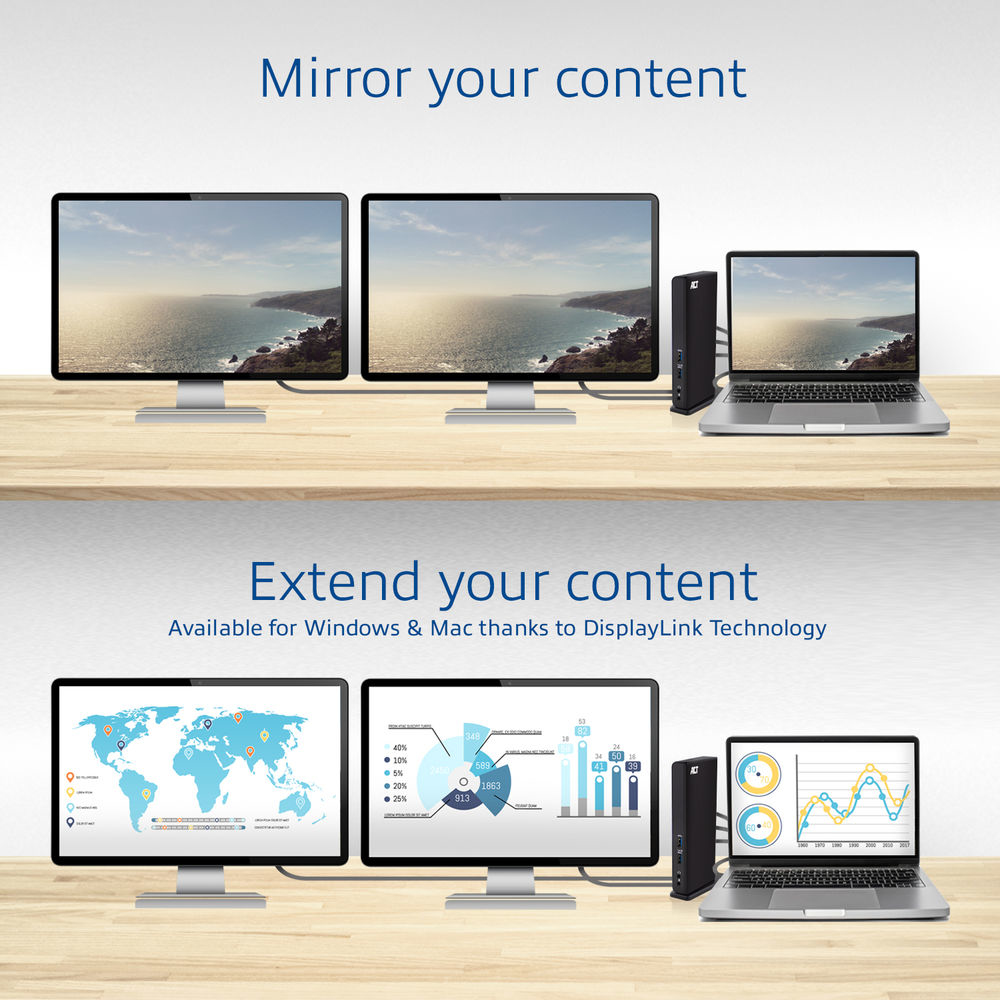
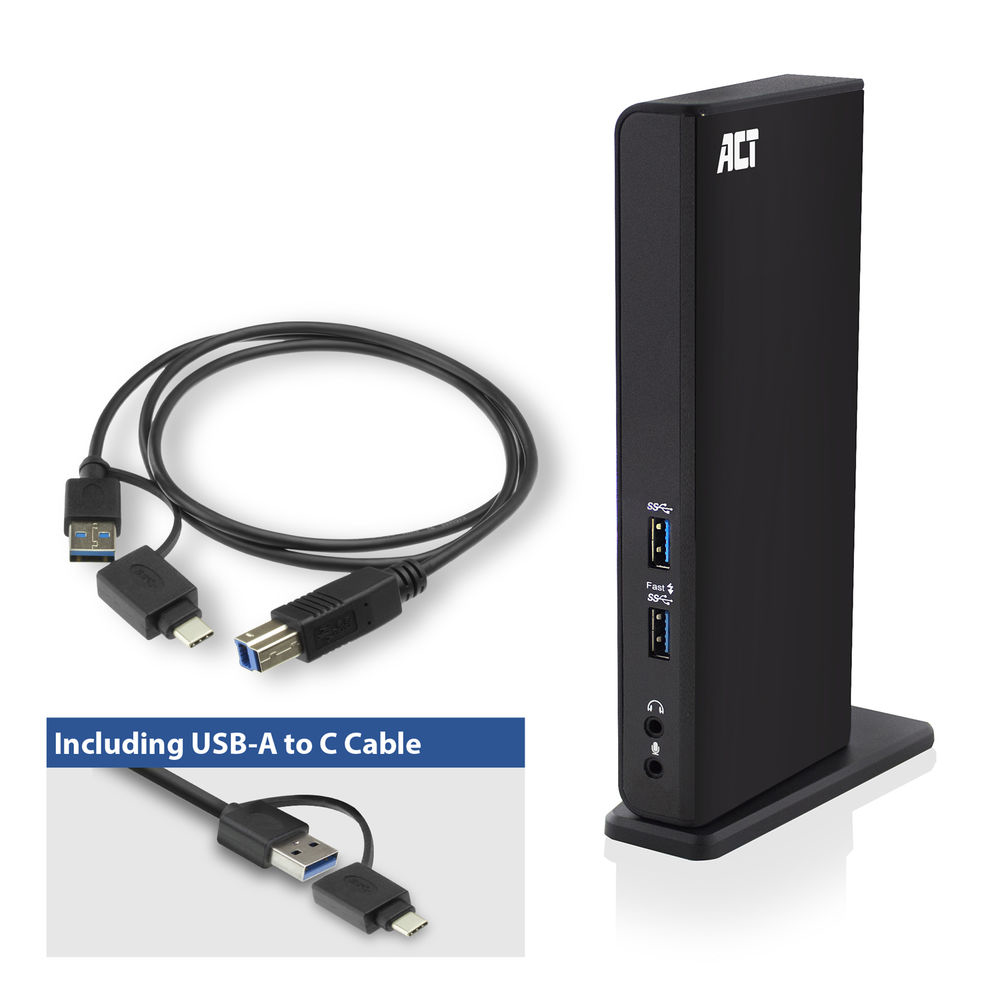
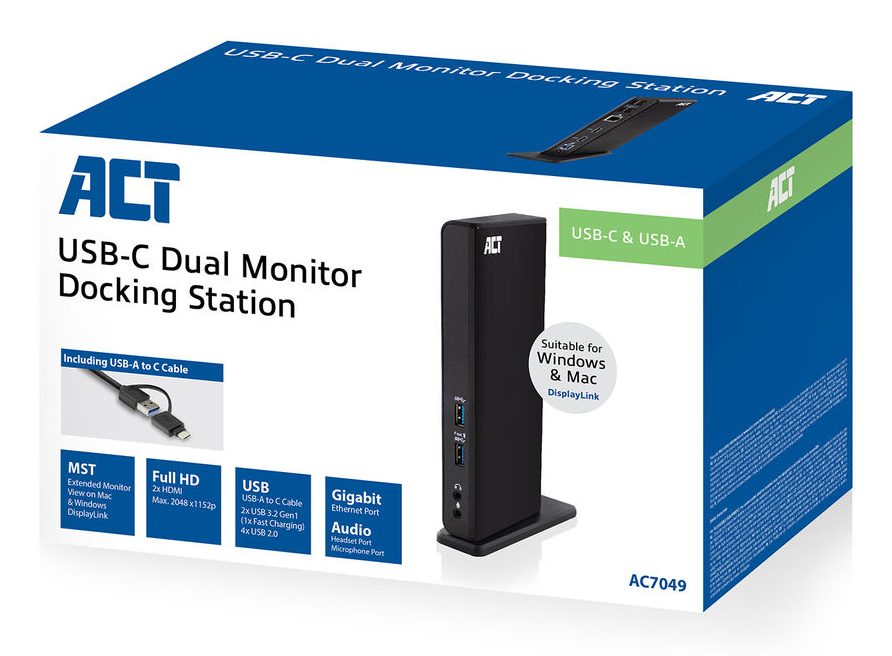
| The AC7049 Dual Monitor Docking Station turns your laptop in a complete working station. All peripherals, e.g. two HDMI screens, a mouse, keyboard and networking cable can be connected to your laptop by using only one USB-C/A connection cable. The docking station adds a Gigabit LAN port, 6 extra USB ports, a microphone and headphones connection to your laptop. The integrated DisplayLink® technology ensures extended monitor view on both Windows and Apple computers. You will save space on your desk by the vertical placement of the Docking Station. A stand, USB-C/A 3.2 Gen1 connection cable and power adapter are included. Turn your laptop into a complete working station with only one USB-C/A cable The AC7049 lets you connect up to 2 full HD screens (max. resolution 2048x1152) to your laptop by using the two HDMI ports. The Docking Station has a Gigabit LAN networking port, a microphone and headphones connection. The dock extends your laptop with 6 additional USB ports: two USB-A 3.2 Gen1 ports on the front and four USB-A 2.0 ports on the rear. DisplayLink® technology: extended monitor view on MacOS and Windows computers The docking station includes the DisplayLink® technology. This means that you can extend your desktop with two other screens. In total you will have 3 different monitor views. This technology works with any computer that supports USB-C or USB-A 3.0 (or higher). Ideal for small offices or home offices. Vertical placement for saving space on your desk Place the AC7049 Docking Station vertical on your desk and save space. Besides the space-saving feature, all connections are easy accessible. When you prefer a horizontal placement, this is possible as well. Suitable for laptops with a USB-C or USB-A USB 3.2 Gen1 port The AC7049 Dual Monitor Docking Station can be used with all laptops that have a USB 3.2 Gen1 port. A USB-C/A connection cable and power supply (to power the docking station) are included. Charge your smartphone and tablet via the USB charging port Does your smartphone or tablet need a power boost? Connect your smartphone or tablet to the USB charging port on the Docking Station and charge the battery. |
No options for this product
Every effort has been made to ensure the accuracy of all information contained herein. e-nitiative shall not be liable for any changes resulting in wrong product description, tax code and/or price. The shown information (specifications, prices, taxes) should be considered as an indication and can be changed at any moment and without any prior notice.
Call us Now: 111
 © 2026