


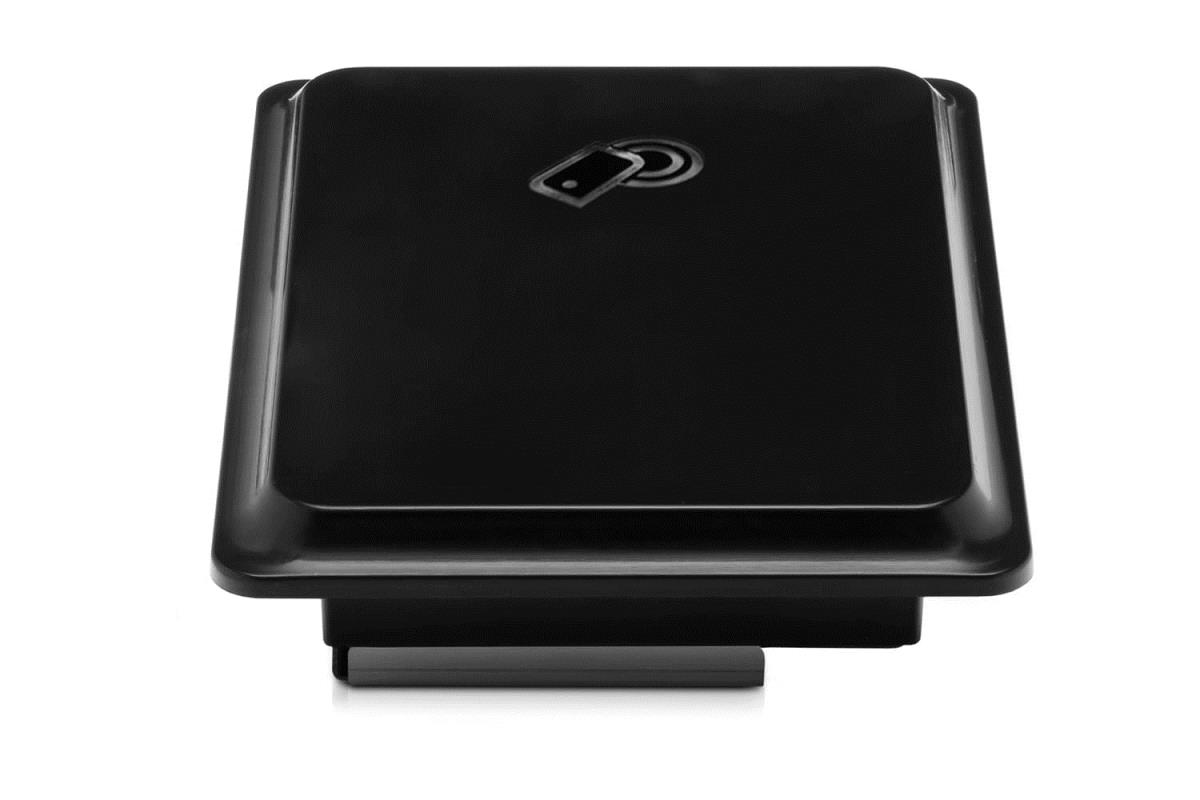
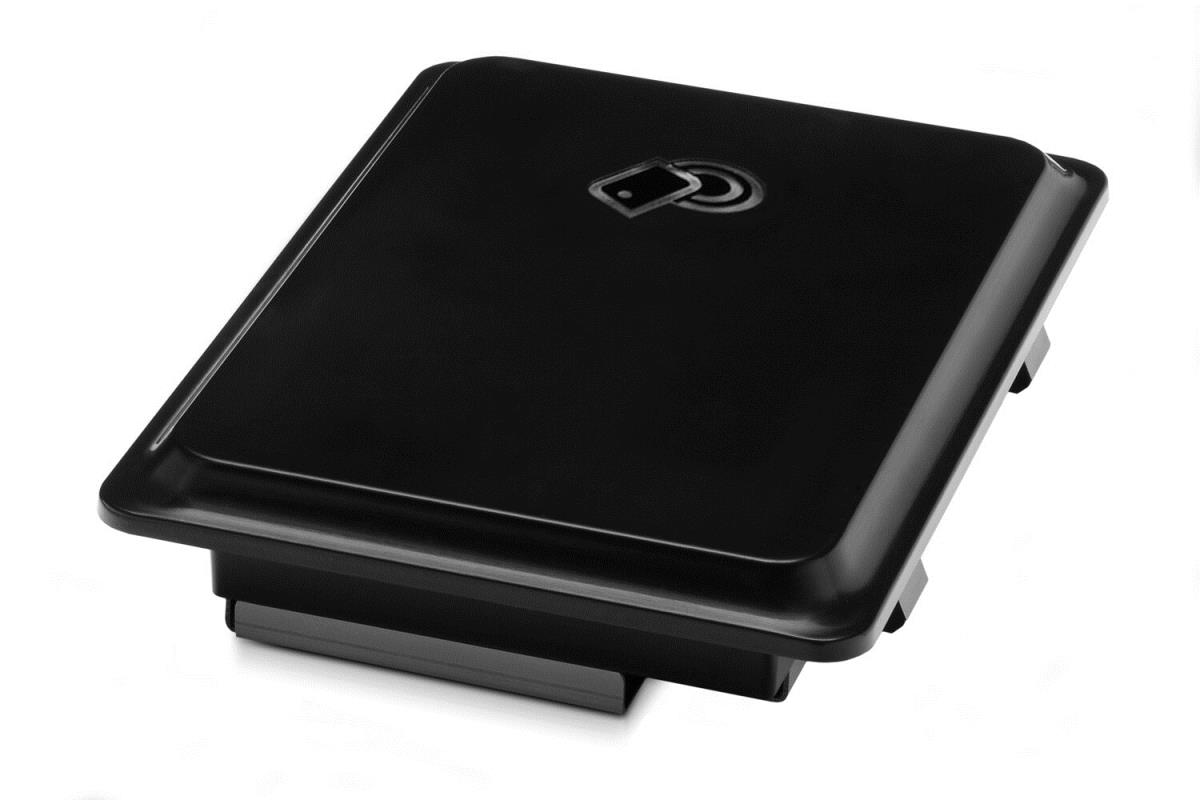
JetDirect 2800w NFC/Wireless Direct Accessory




| Introduction | |
|---|---|
| Enable wireless printing with touch-to-print convenience from NFC-capable devices or through a secure peer-to-peer connection from smartphones, tablets, and laptops.[1,2,3] Description Activate wireless printing from mobile devices. - Mobile device users can move between offices and still have access to printing. With wireless direct printing, it’s as simple as selecting an HP Jetdirect-enabled printer or MFP from a smartphone, tablet, or laptop PC. [1,2]. - Enable touch-to-print convenience. The HP Jetdirect 2800w works with NFC-capable devices through a peer-to-peer connection—simply touch an HP Jetdirect-enabled printer or MFP with a mobile device and start printing.[1,3]. - Keep your network out of it: The HP Jetdirect 2800w supports wireless direct printing and touch-to-print using NFC-capable devices. The peer-to-peer connection allows mobile users to print without accessing the company network.[3]. - Easily manage the HP Jetdirect 2800w across your entire fleet through HP Web Jetadmin. Turn wireless printing capabilities on and off, and add a pass phrase, using one easy-to-use interface.[4]. |
No options for this product
Every effort has been made to ensure the accuracy of all information contained herein. e-nitiative shall not be liable for any changes resulting in wrong product description, tax code and/or price. The shown information (specifications, prices, taxes) should be considered as an indication and can be changed at any moment and without any prior notice.
Call us Now: 111
 © 2026