


USB-c Vga Adaptor 1080p/60hz



| Introduction | |
|---|---|
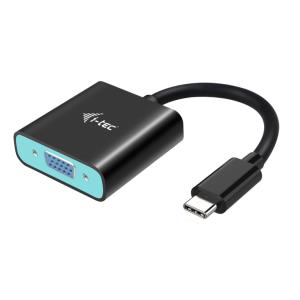
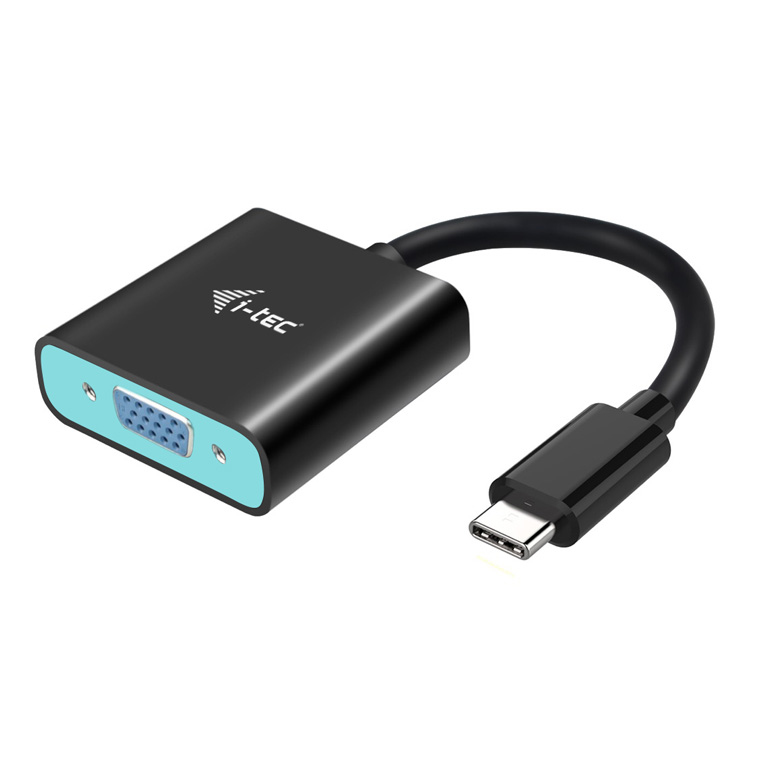
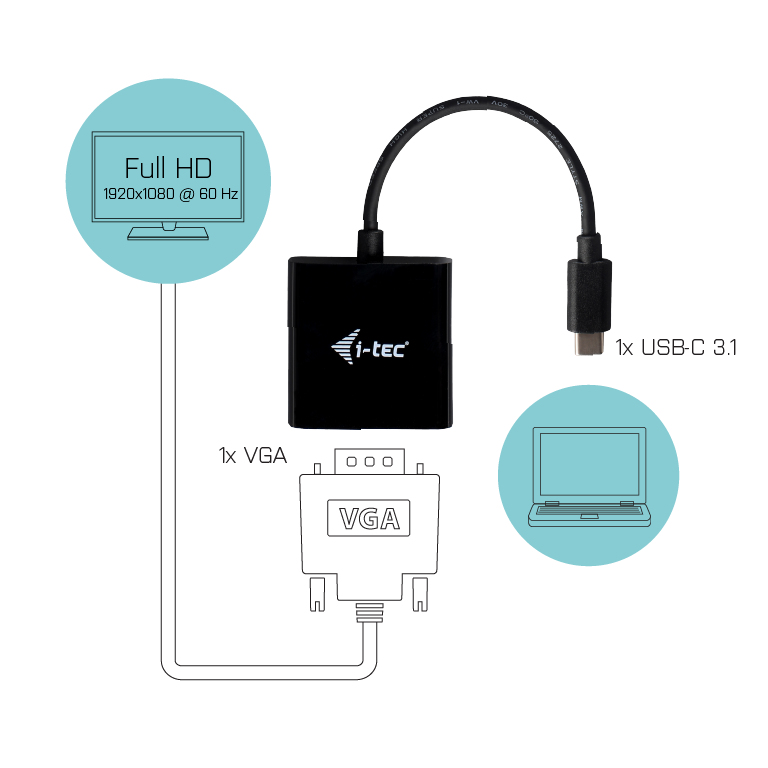
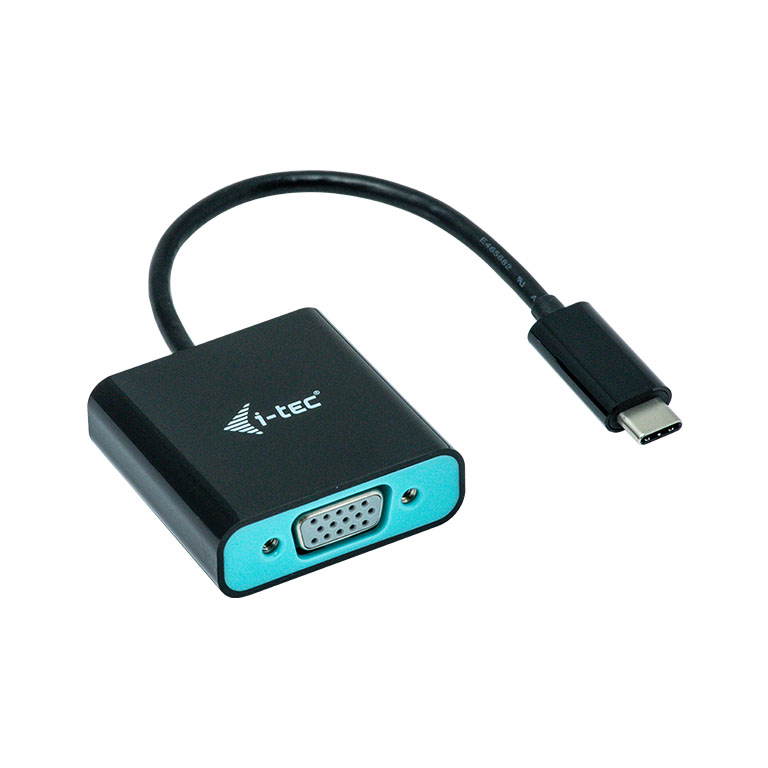
| Expand your desktop to external VGA monitor or connect projector or television with VGA interface to your notebook, tablet or PC via new USB-C or Thunderbolt 3 connector. The adapter supports Full HD+ video with resolution up to 1920 x 1080@60 Hz. Using is very simple, just plug the adapter into the USB-C or Thunderbolt 3 port on your computer, connect it with a display device via VGA cable and you can immediately start using. Driver installation is automatic from the system. Please make sure to check a compatibility of your device, whether it meets all the requirements for an operation of the specific i-tec product, especially video output (Display Port Alt mode). If your device would not be fully compatible, your new i-tec product may not operate correctly. You may find the specifications your device (i.e. USB port), in a user manual supplied with your notebook/tablet/smartphone, or - alternatively - via customer service provided by a manufacturer of your device. |
No options for this product
Every effort has been made to ensure the accuracy of all information contained herein. e-nitiative shall not be liable for any changes resulting in wrong product description, tax code and/or price. The shown information (specifications, prices, taxes) should be considered as an indication and can be changed at any moment and without any prior notice.
Call us Now: 111
 © 2026