


Desktop USB-c Monitor - 24qp750-b - 24in - 2560 X 1440 (qhd) - IPS 16:9




| Introduction | |
|---|---|
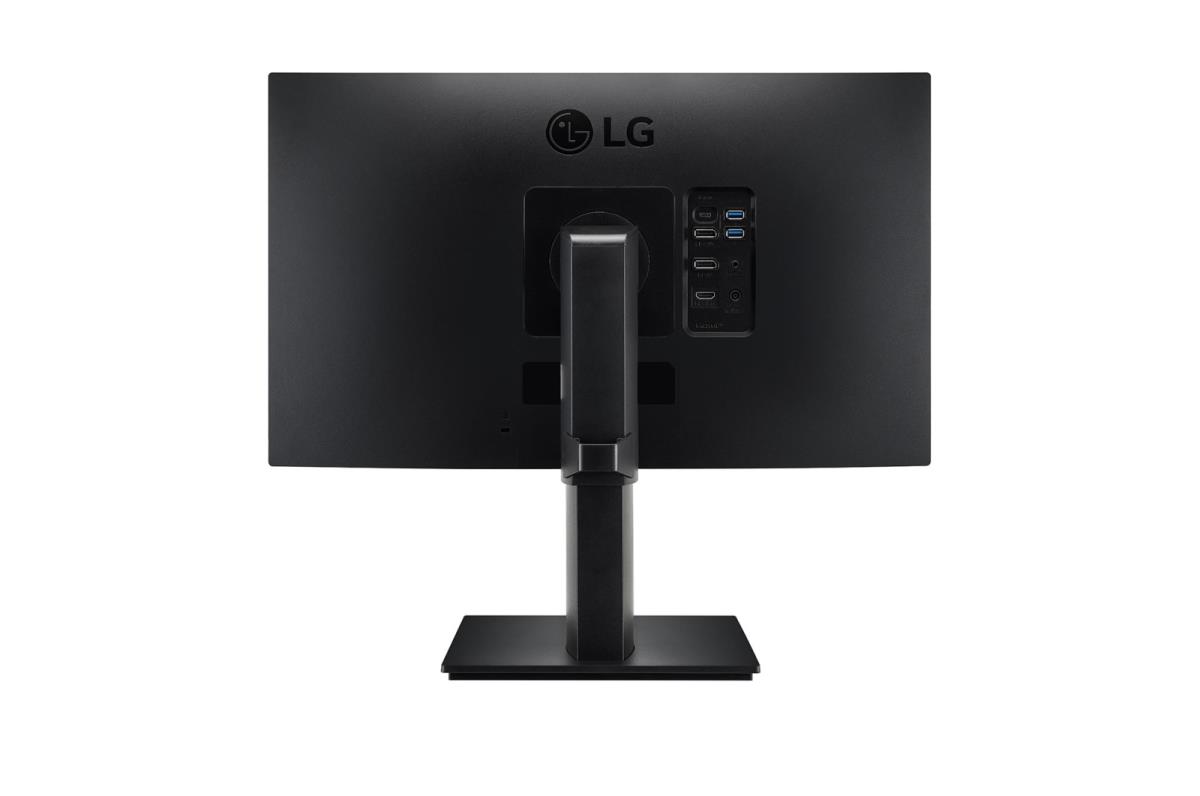
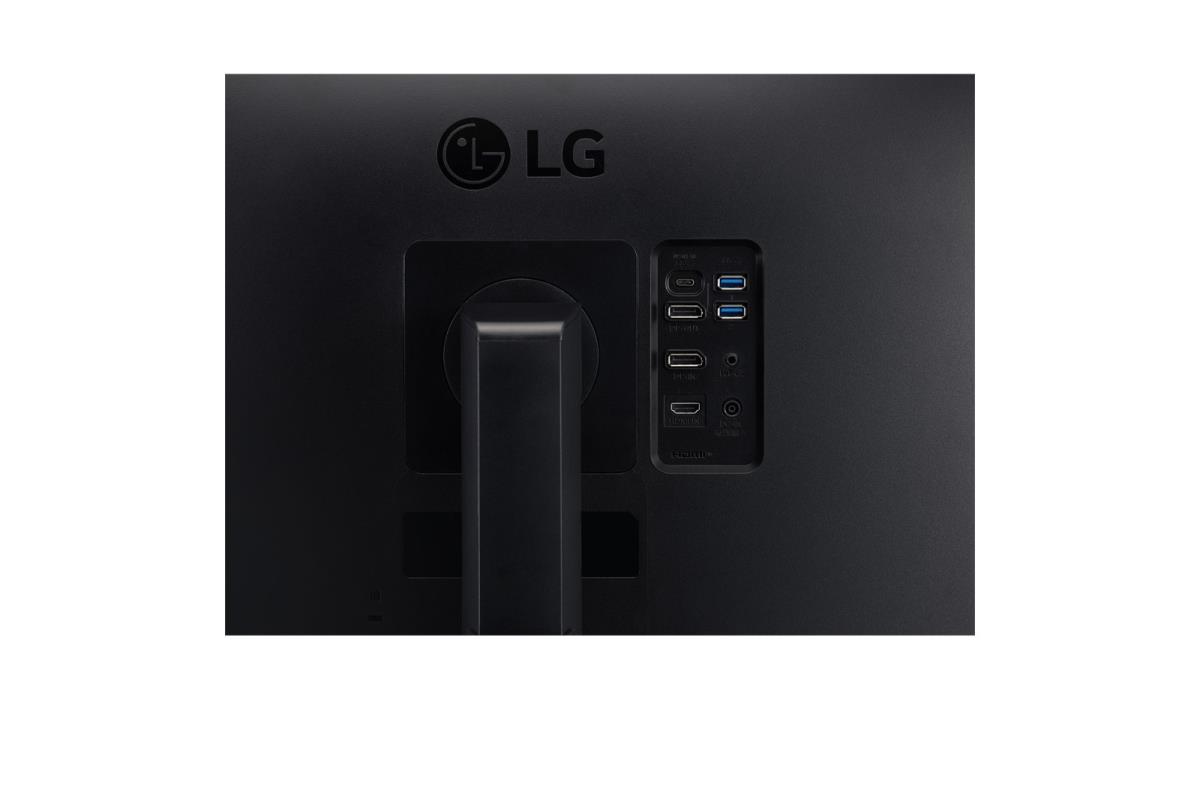
| 23.8" QHD IPS Display True Color at Wide Angle LG QHD (2560x1440) Monitor with IPS technology delivers a clear and consistent true color, featuring 77% sharper resolution than Full HD (1920X1080). It can provide accurate color reproduction, and help users to view the screen at wide angle. HDR10 with sRGB 99% (Typ.) HDR technology is now applied to various content. This monitor is compatible with industry standard HDR10 high dynamic range, based on the sRGB 99% color gamut, supporting specific levels of color and brightness that enables viewers to enjoy the dramatic colors of the content. Reader Mode Reducing blue light to help lessen eye fatigue and provide eye comfort while reading documents on a monitor, Reader Mode adjusts color temperature and luminance similar to reading a paper book. Flicker Safe Flicker Safe reduces the onscreen flicker level to almost zero, which helps protect your eyes. Users can comfortably work throughout the day. Daisy Chain The Productive Workstation LG QHD monitor with USB Type-CT and DisplayPort supports Daisy Chain setup. So you can establish a productive workstation by connecting two LG QHD monitors and a laptop using a DP cable and a USB Type-CT cable. USB Type-CT Easy Control and Connectivity USB Type-CT port allows from display and data transferring to connected device charging (up to 65W), enabling support for your laptop all at the same time over a single cable. AMD FreeSyncT Fluid and Rapid Motion With AMD FreeSyncT technology, the gamers can experience seamless, fluid movement in hi-resolution and fast-paced games. It virtually reduces screen tearing and stuttering. React Faster to Opponents Reduce input lag with Dynamic Action Sync so it helps gamers catch critical moments in real-time. Attack First in Dark Black Stabilizer helps gamers to avoid snipers hiding in the darkest places and quickly escape situations when the flash explodes. Ergonomic Design Easy and Comfortable The ergonomic, one-click stand is easy to install and its convenient height, tilt, swivel and Bi-directional pivot adjustments allow you to create an optimized work environment. OnScreen Control Easier User Interface You can customize the workspace by splitting the display or adjusting basic monitor options with just a few mouse clicks. |
No options for this product
Every effort has been made to ensure the accuracy of all information contained herein. e-nitiative shall not be liable for any changes resulting in wrong product description, tax code and/or price. The shown information (specifications, prices, taxes) should be considered as an indication and can be changed at any moment and without any prior notice.
Call us Now: 111
 © 2026