


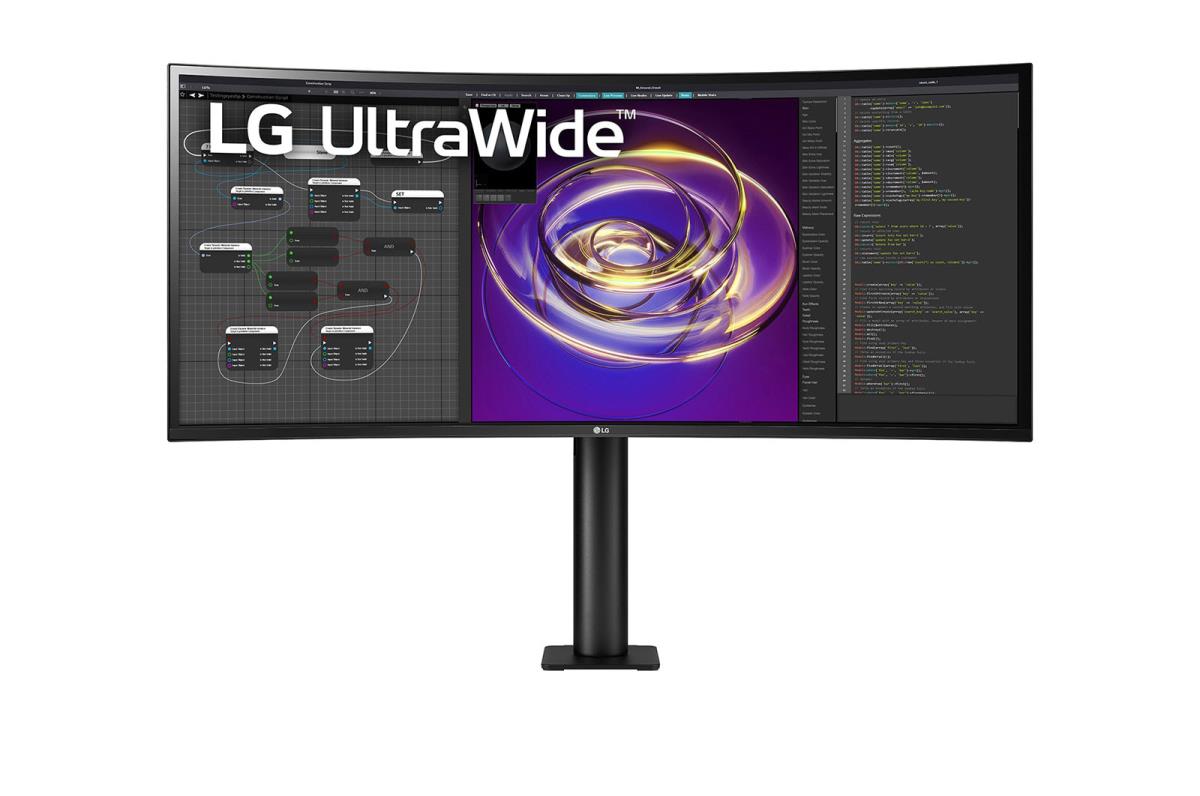
Curved USB-c Monitor - 34wp88c-b - 34in - 3440 X 1440 Ultrawide - IPS 21:9


| Introduction | |
|---|---|
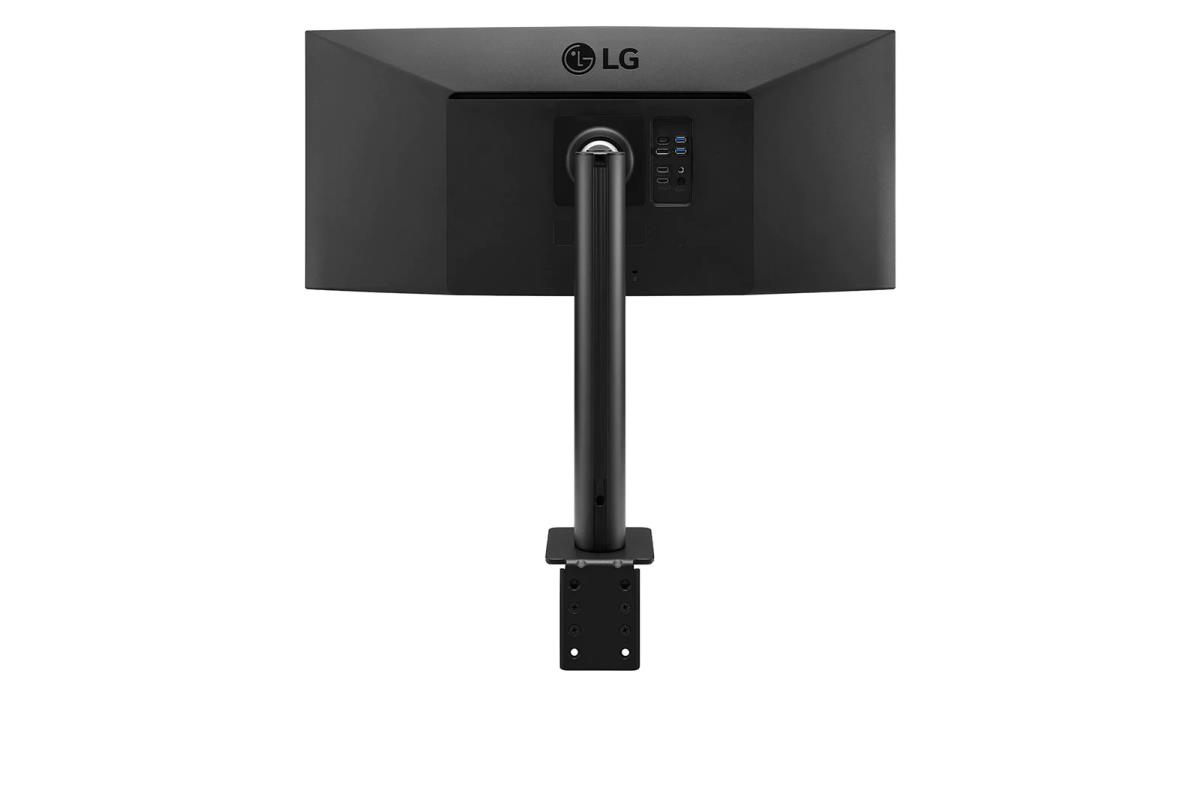
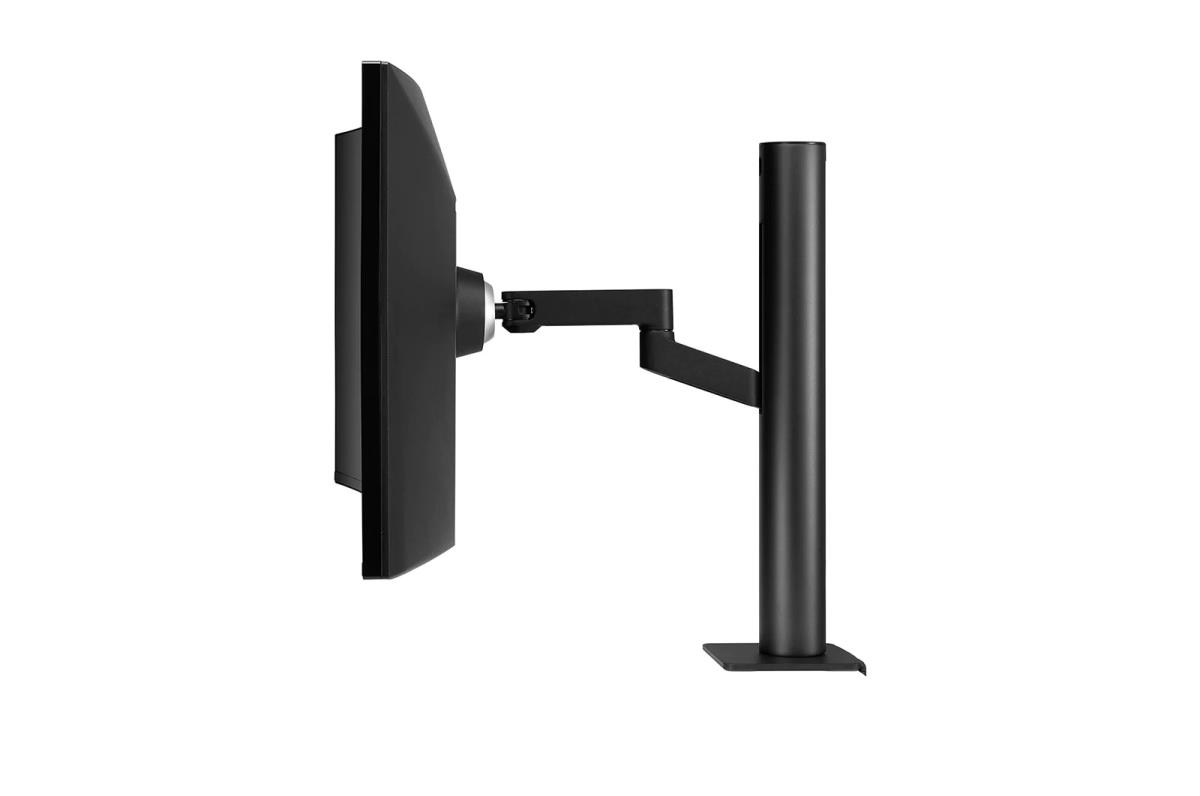
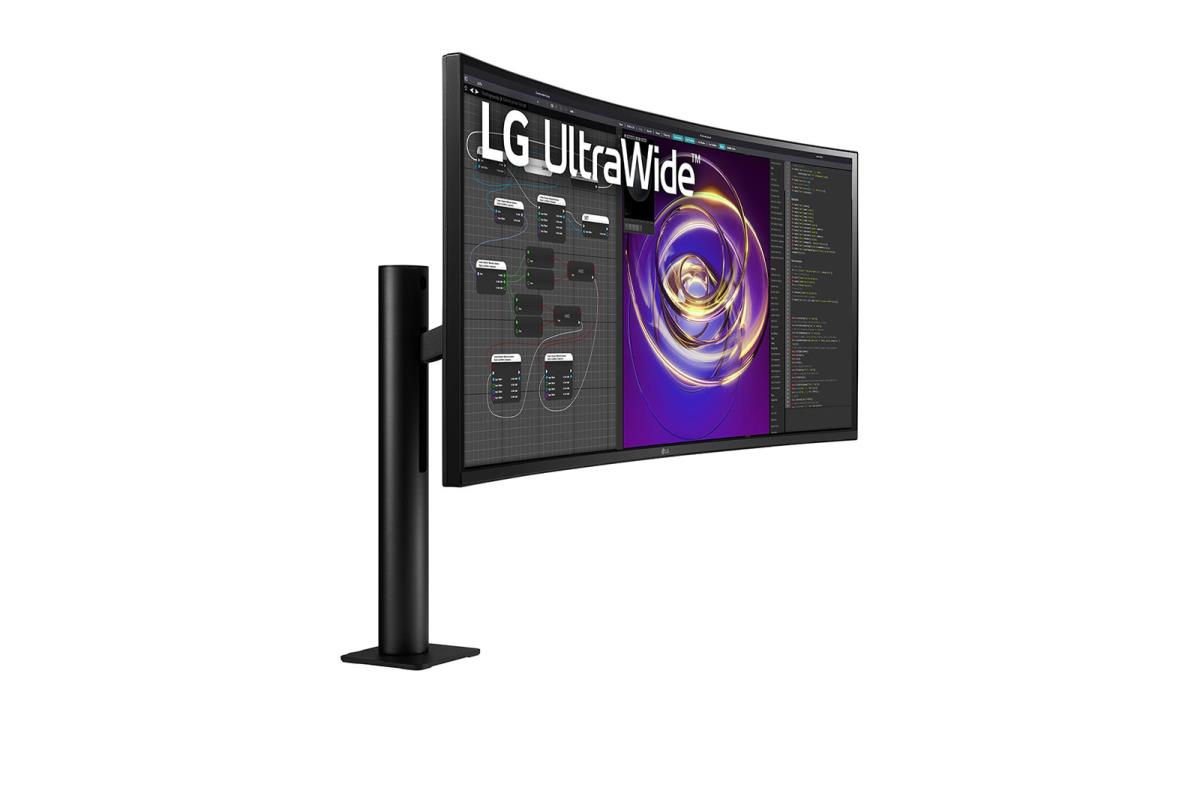
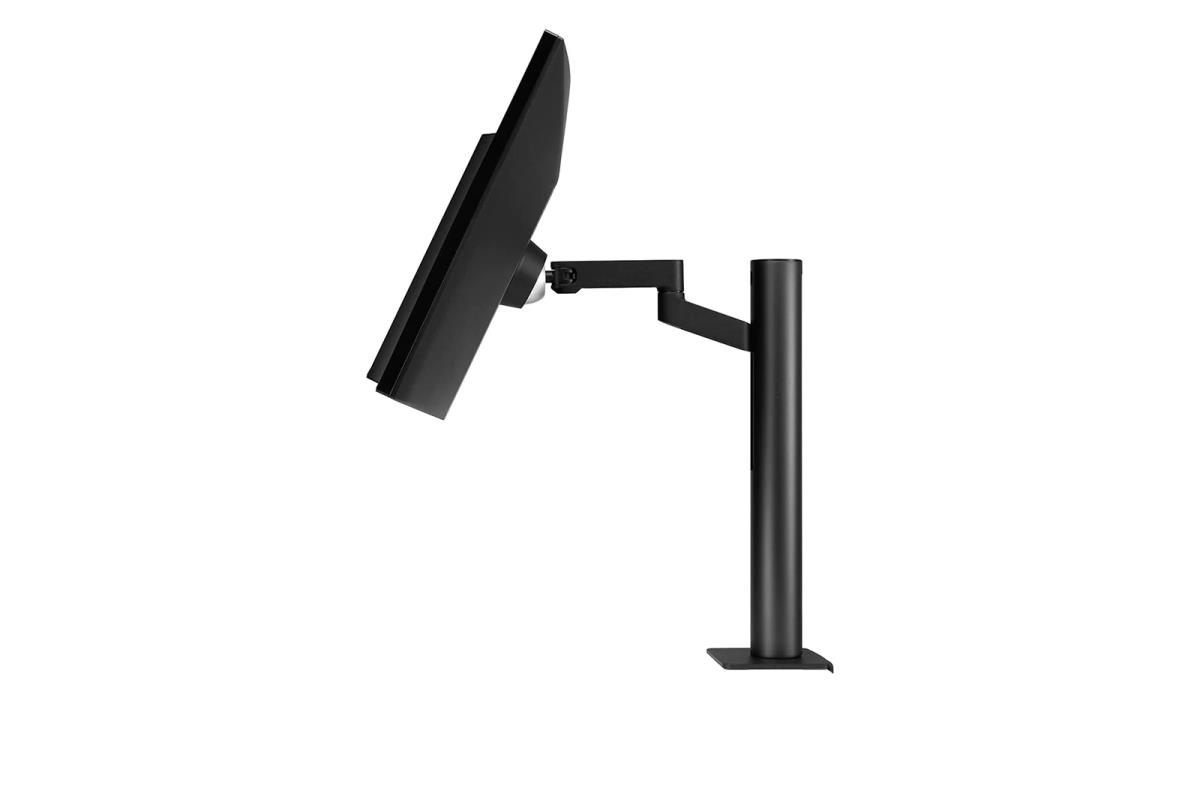
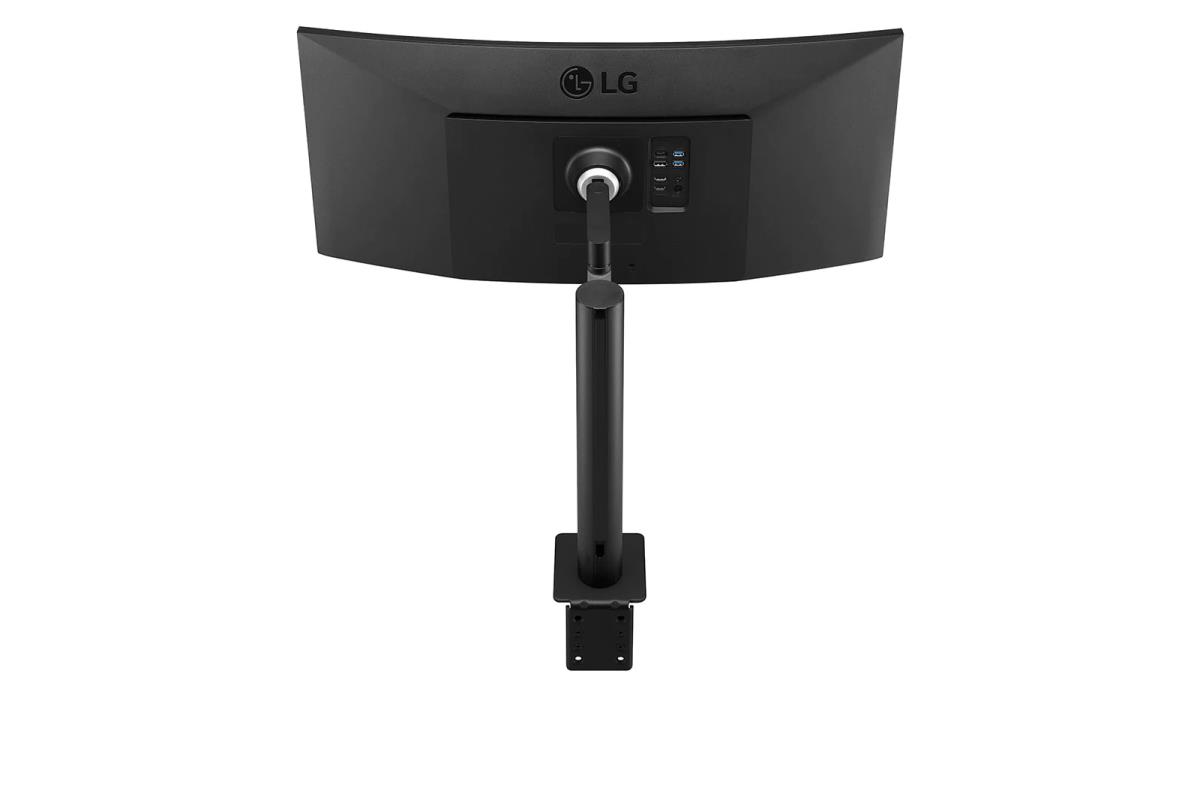
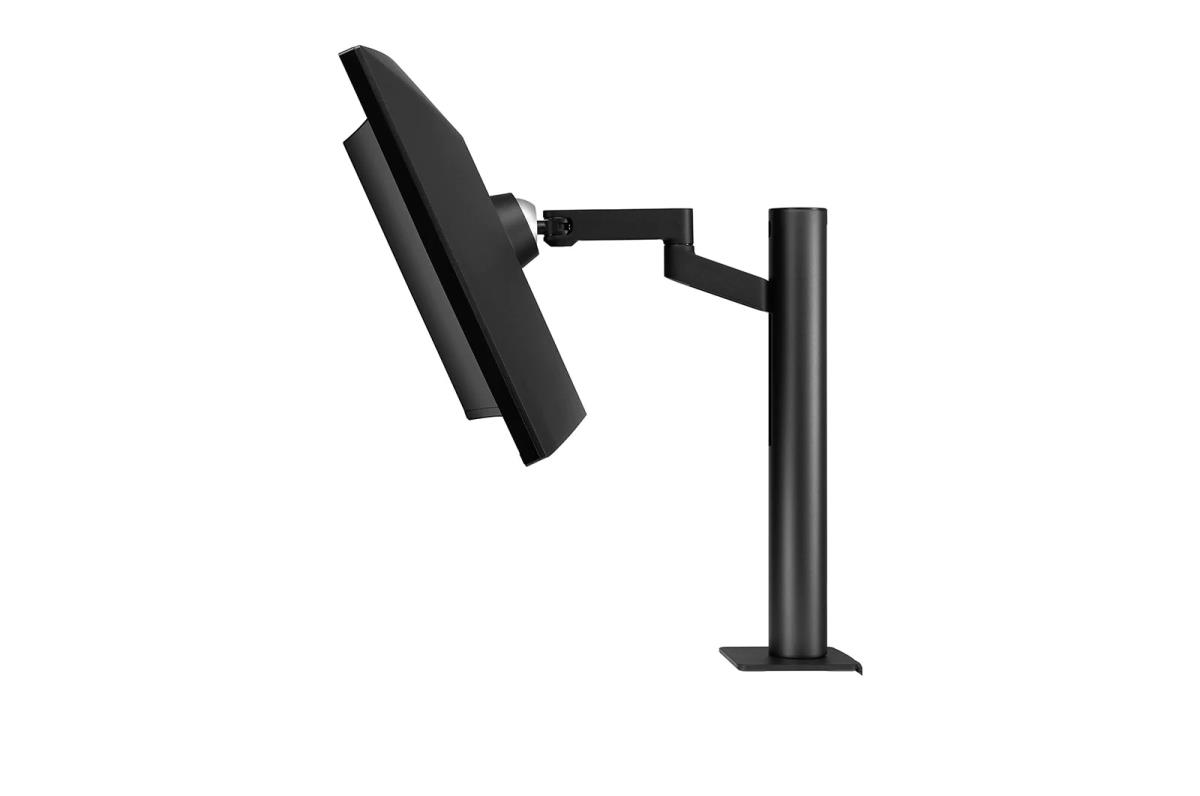
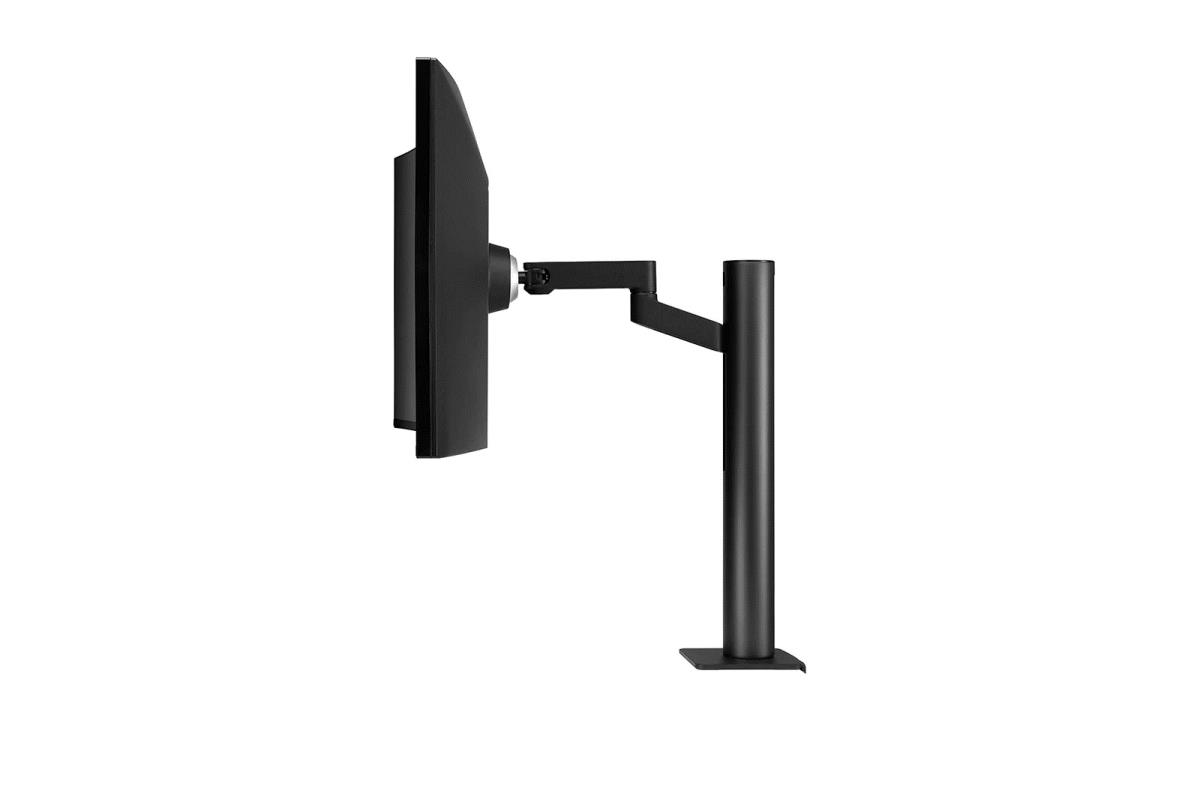
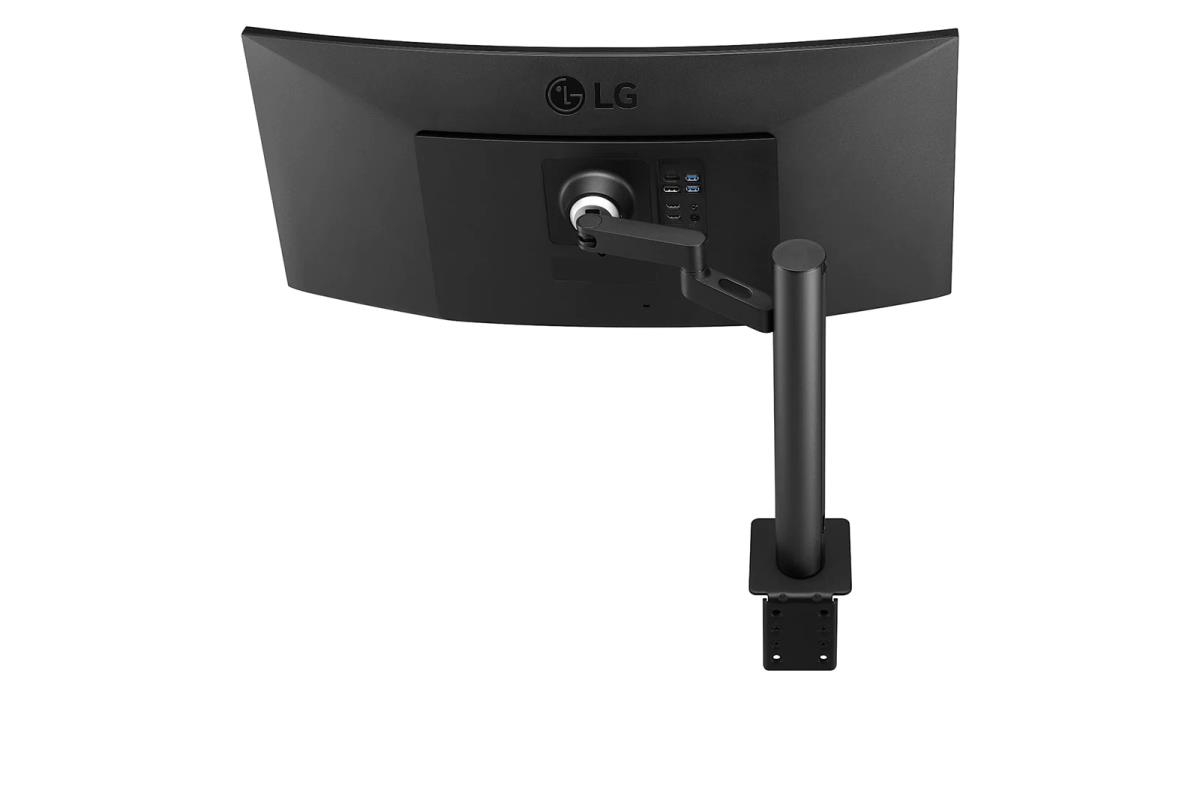
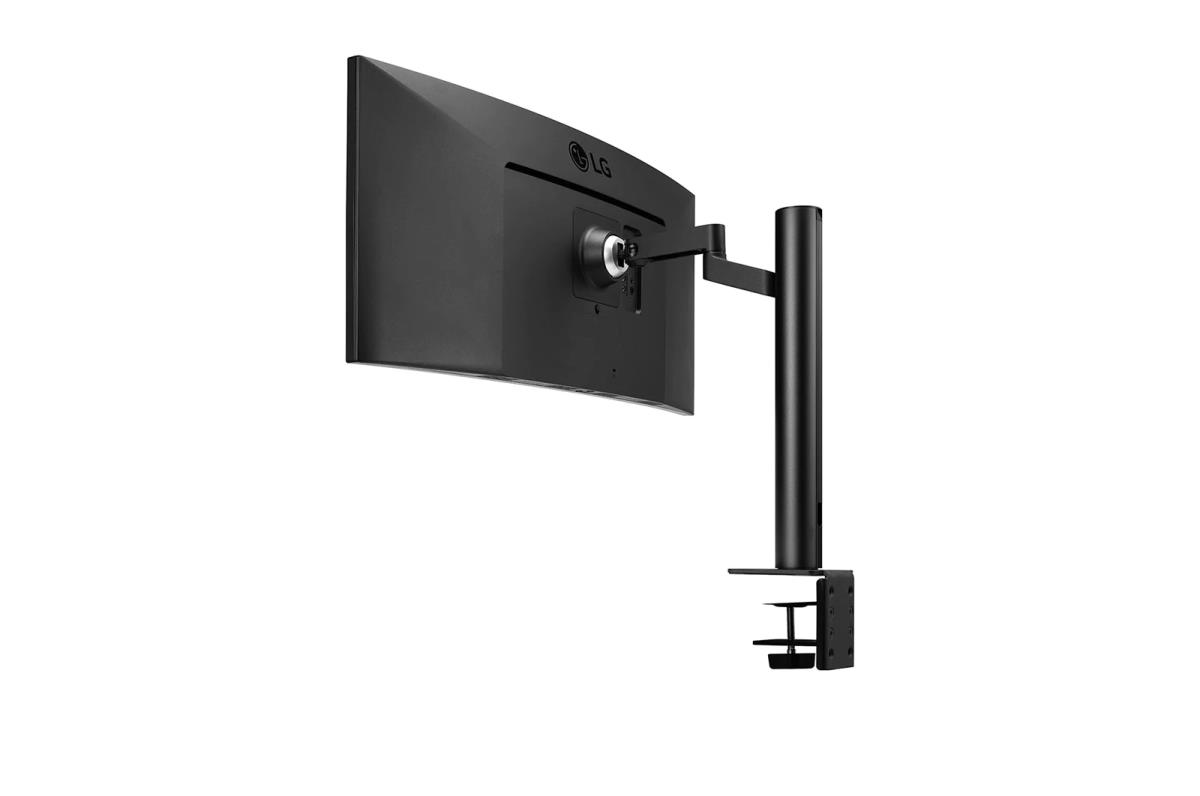
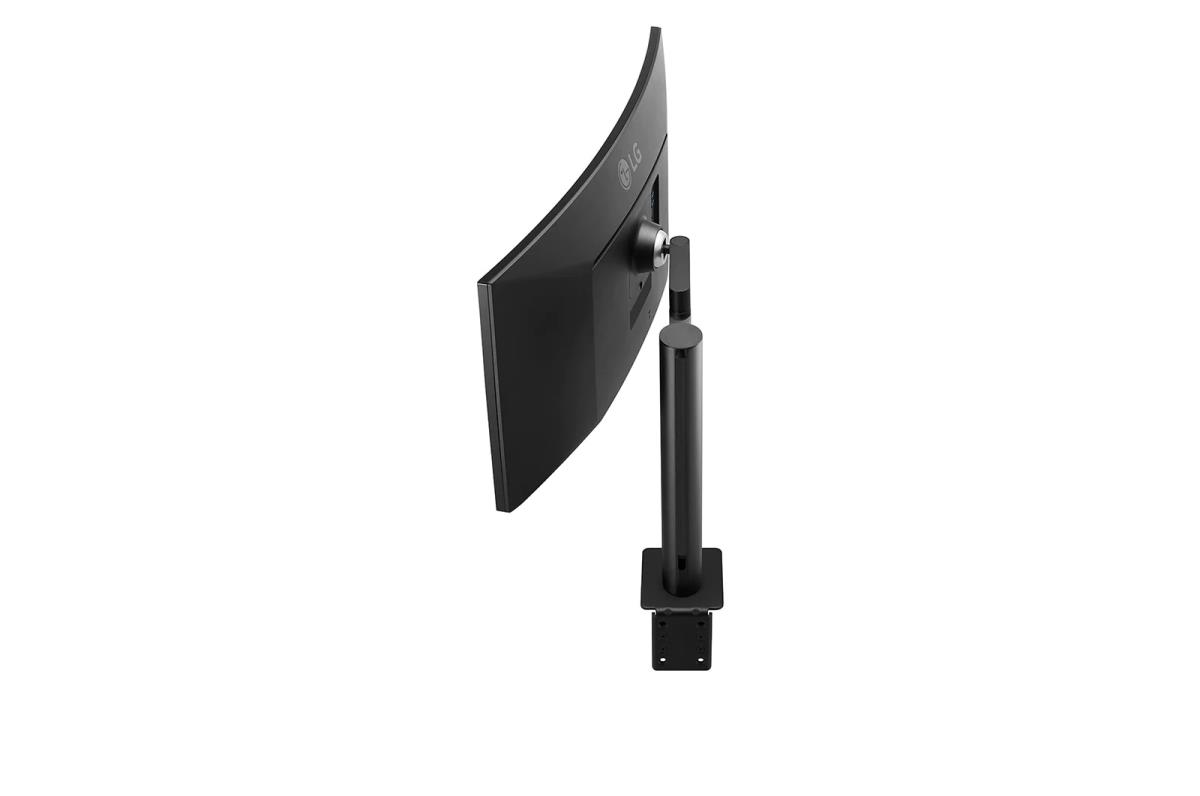
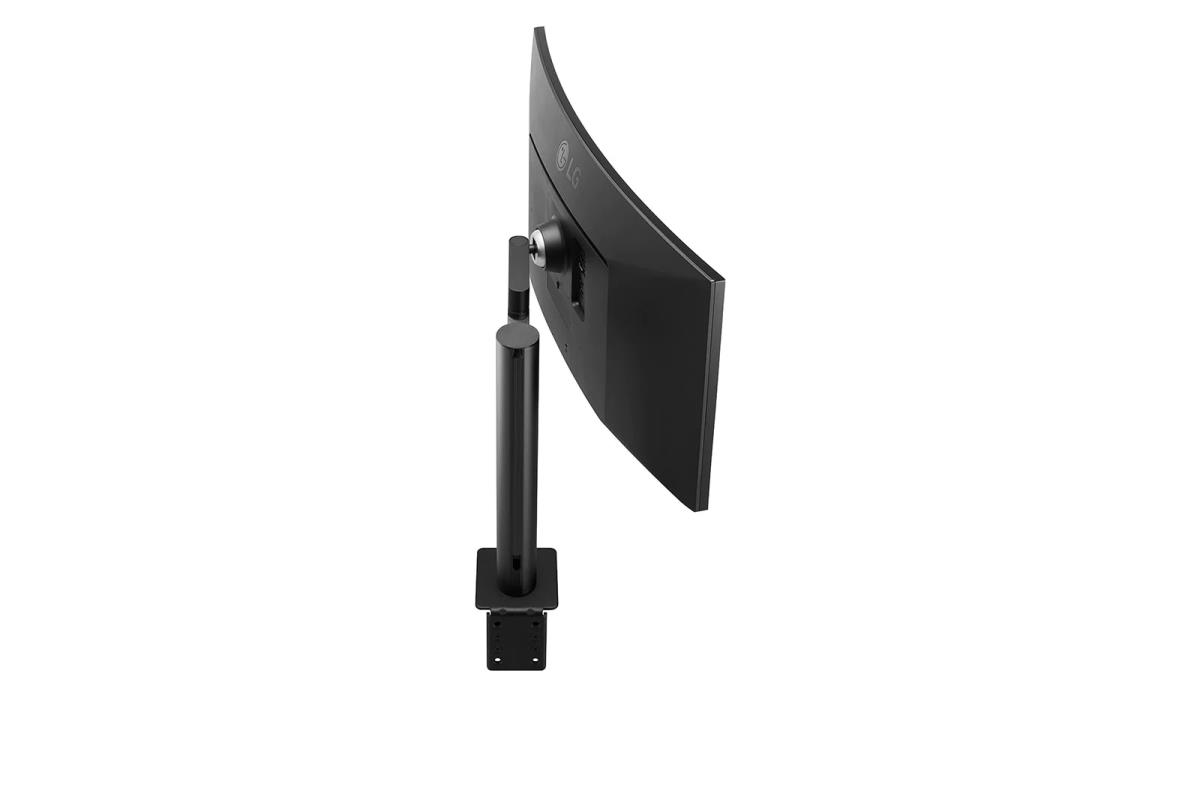
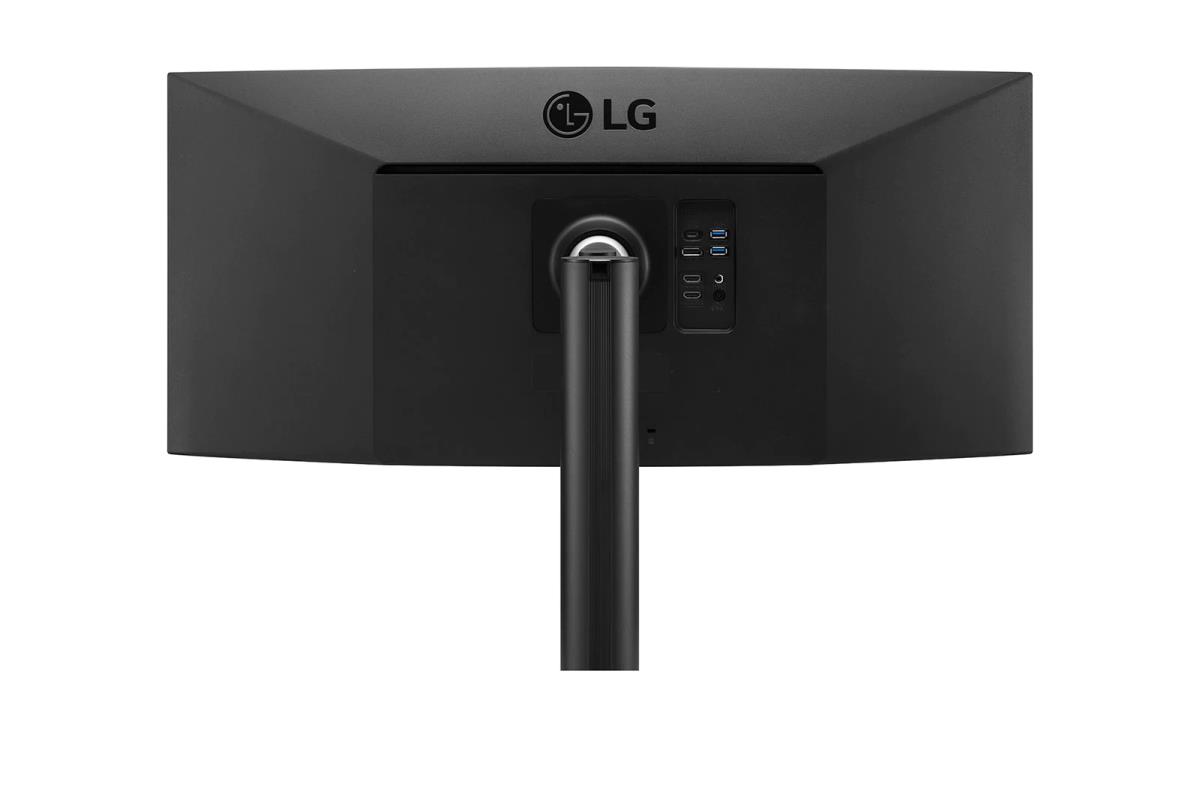
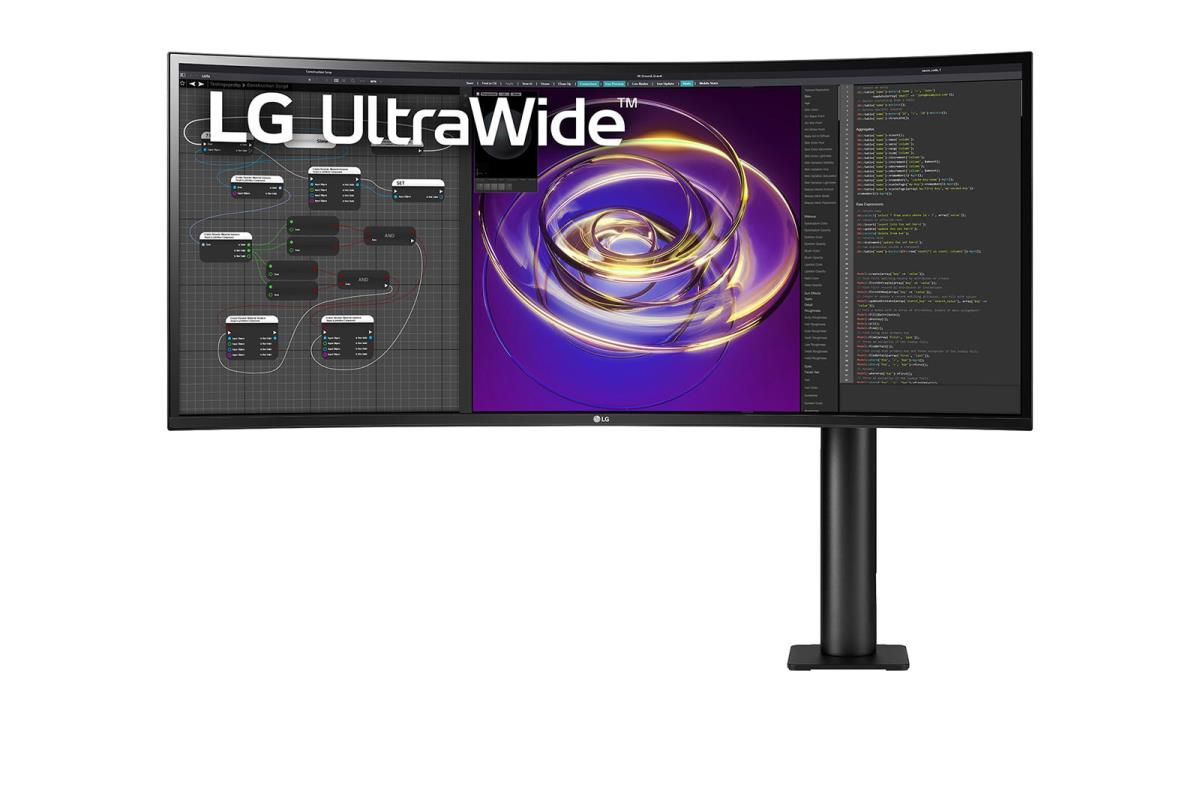
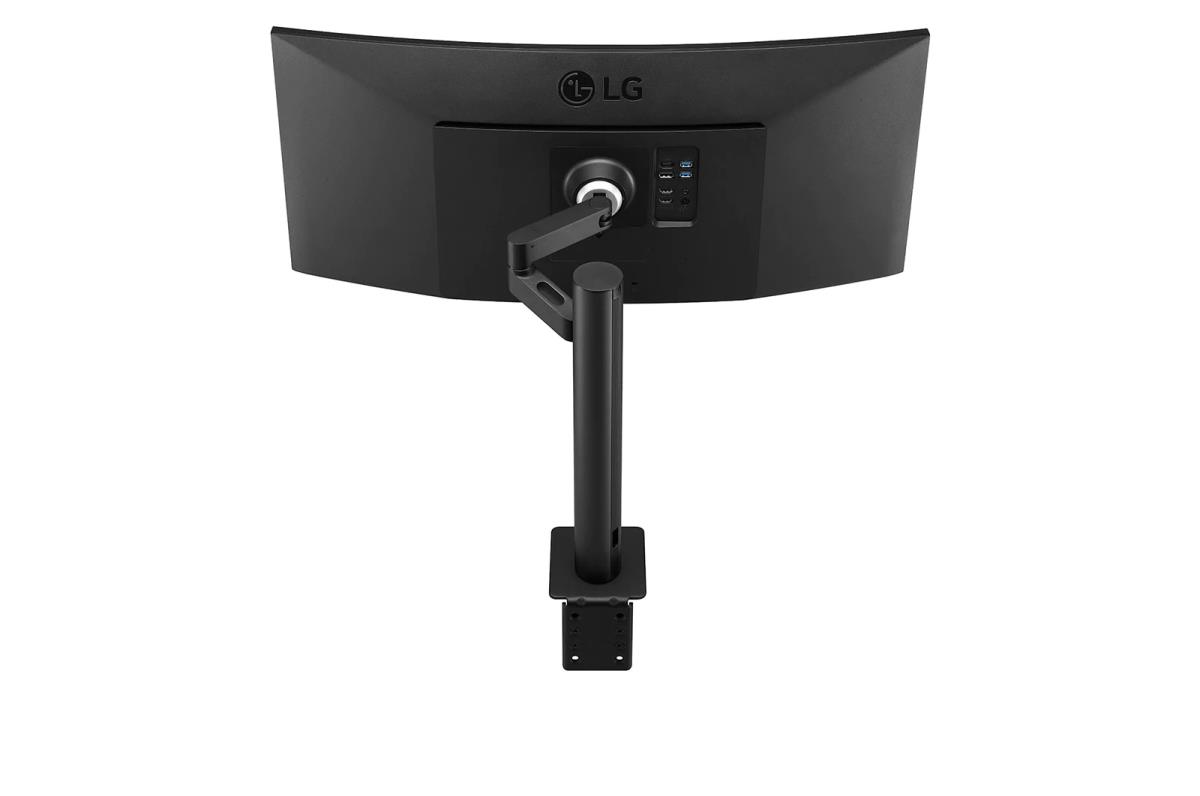
| More Space for Multi-Tasking The UltraWideT QHD screen (3440x1440 resolution, 21:9 aspect ratio) is great for work as it can display various programs at once. Detailed Contrast HDR technology is now applied to various content. This monitor is compatible with HDR10 (high dynamic range), supporting specific levels of colour and brightness that enables viewers to enjoy the dramatic colours of the content. True Colours and Wide View LG IPS monitor displays impeccable colour accuracy. With a wide viewing angle, the IPS display boasts with 95% coverage of the DCI-P3 spectrum. Be Sleek and More Ergonomic Enhanced flexibility of the Ergo stand offers expanded ergonomic adjustment of extend, retract, swivel, height and tilt as well as providing perfect position of screen for more comfortable and sustainable user experience. - Extend / Retract 0~180mm (Front-Back) - Extend / Retract 0~180mm (Left-Right) - Swivel ± 280° - Height 0~130mm - Tilt ± 25° Fully Use Your Desk The compact design takes up very little desk surface and also contributes to easier installation. Easy Control and Connectivity USB Type-CT port allows from display and data transferring to connected device charging, enabling support for your laptop all at the same time over a single cable. Power Delivery Up to 96W With USB-CT power delivery technology, you can power up a monitor, while charging the connected laptop (Up to 96W) simultaneously. Immersive Experience This streamlined display features a slim bezel on three sides and no distractions from the dazzlingly precise, lifelike image while 7W Stereo Speakers with MaxxAudio® completes your immersive experience. Improved Visual Comfort To help lessen eye fatigue and provide eye comfort while reading documents on a monitor, Reader Mode adjusts color temperature and luminance similar to reading a paper book. Care for Eyes Flicker Safe reduces invisible flickering on the screen, which helps reduce eye strain. It provides a comfortable working environment for a long time. Control with a Few Clicks You can customize the workspace by splitting the display or adjusting basic monitor options with just a few mouse clicks. |
No options for this product
Every effort has been made to ensure the accuracy of all information contained herein. e-nitiative shall not be liable for any changes resulting in wrong product description, tax code and/or price. The shown information (specifications, prices, taxes) should be considered as an indication and can be changed at any moment and without any prior notice.
Call us Now: 111
 © 2026